
Salesforce to HubSpot migration
A Salesforce to HubSpot migration moves your Accounts, Contacts, Opportunities, activity history and custom objects into HubSpot while preserving your data and relationships. A structured migration maps your Salesforce objects and fields to HubSpot, rebuilds workflows, runs a test migration, and validates every record before go-live, so nothing is lost and your team adopts the new CRM with confidence.


Eli reconfigured parts of HubSpot for us to use as an ATS, after our previous specialist provider became too expensive. I’m able to do everything I could before for a fraction of the cost, and Eli has been fantastic in configuring the system, migrating 11 years’ worth of data, and providing ongoing training and mentoring.
Stephenson, J.
HubSpot Marketplace review
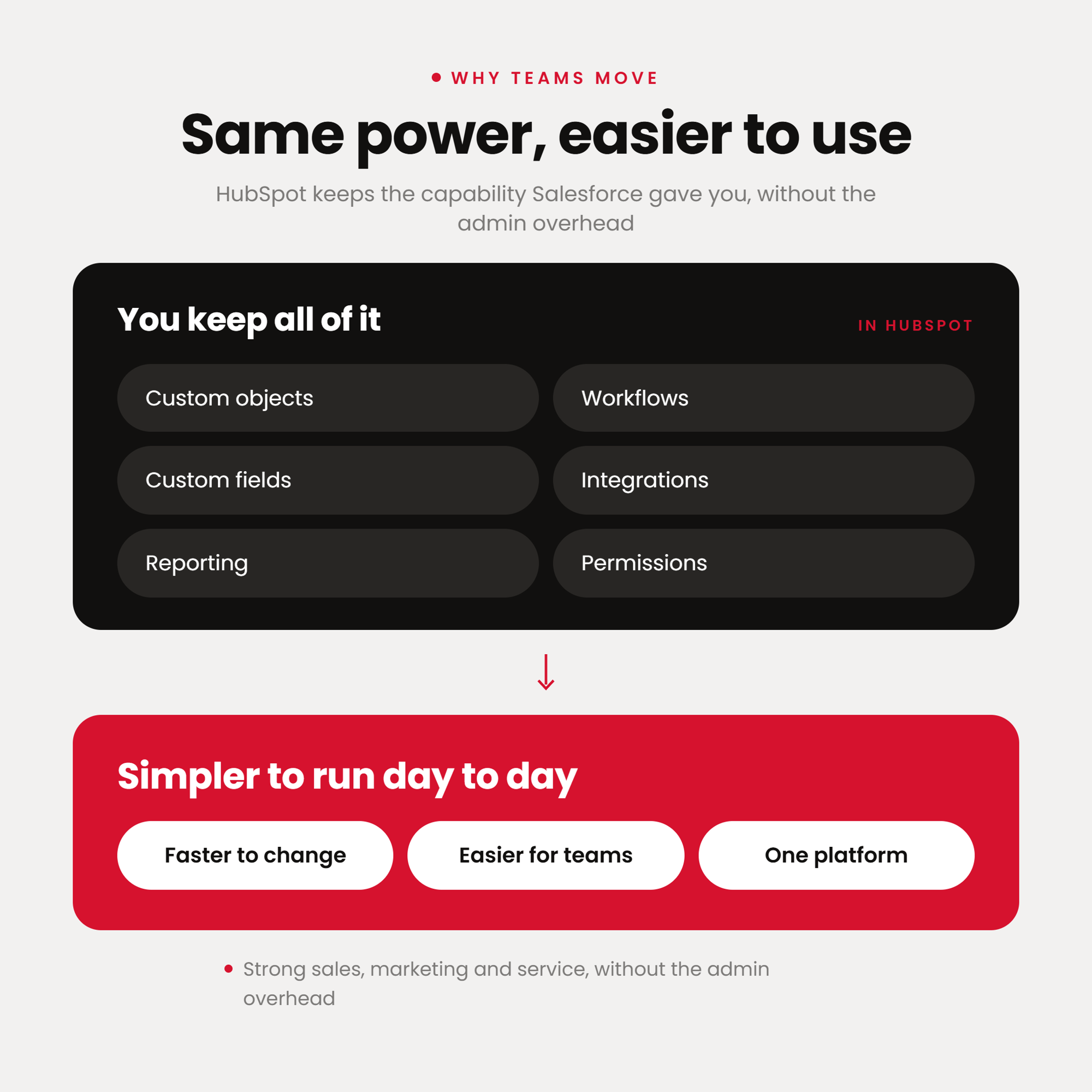
Why teams move off Salesforce
Many businesses outgrow Salesforce because the system becomes too complex to manage efficiently. Custom objects, workflows, fields and integrations build up over time, making the CRM harder for teams to use and slower to change.
The result is a need for a simpler, connected platform that still supports strong sales, marketing and service operations, without the admin overhead.
How does the Salesforce to HubSpot migration work?
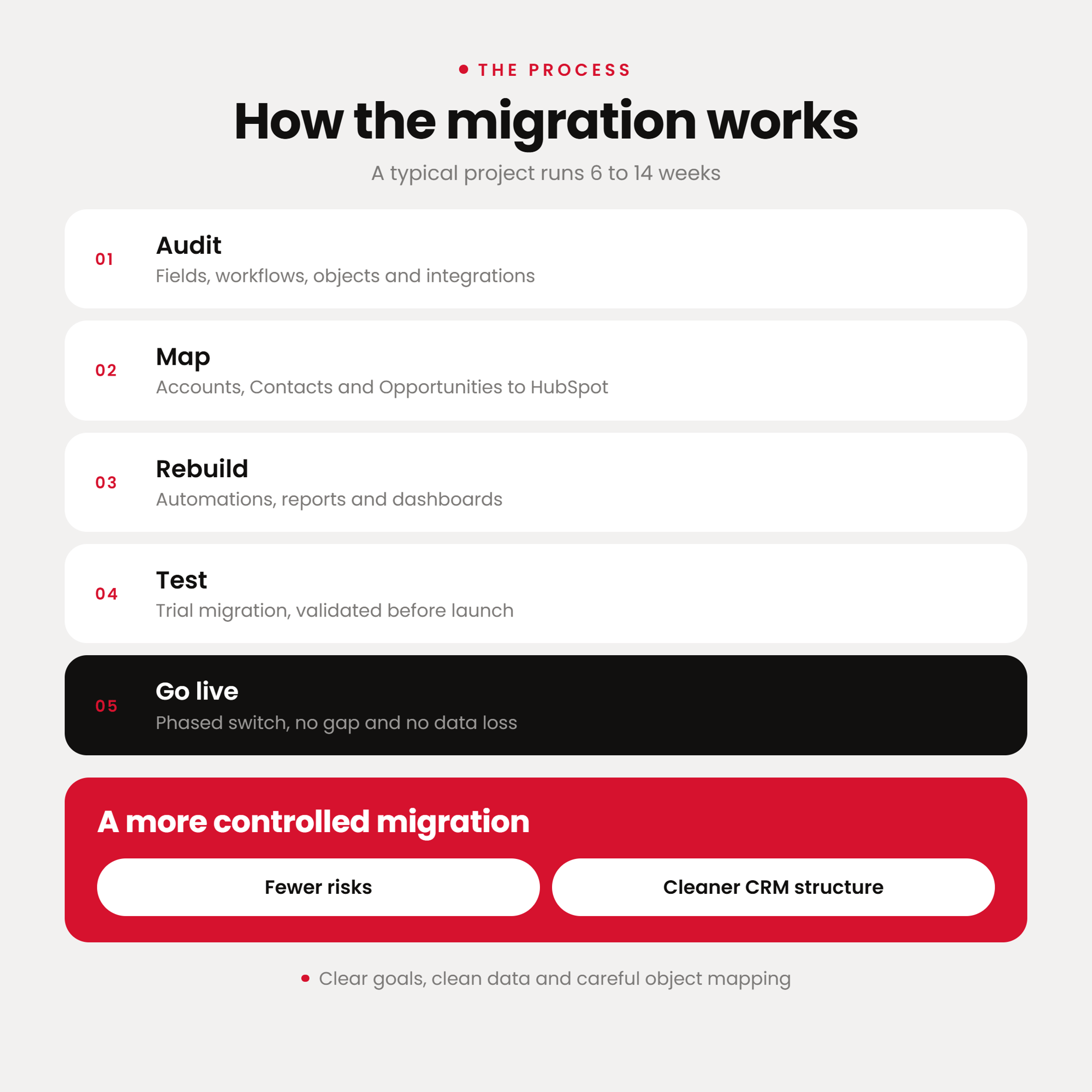
A successful Salesforce migration starts with clear goals, clean data and careful object mapping. A typical project runs 6 to 14 weeks, depending on data volume, the number of custom objects, and how many workflows and integrations need rebuilding/reconnecting.
The process usually includes:
- Auditing your Salesforce fields, workflows, custom objects, integrations and data
- Mapping Accounts, Contacts and Opportunities to HubSpot companies, contacts and deals
- Rebuilding automations, reports and dashboards in HubSpot
- Running a test migration and validating data, workflows and reporting before launch
- Going live with a phased switch, keeping both systems available so there is no gap and no data loss
The result is a more controlled migration with fewer risks and a cleaner CRM structure.
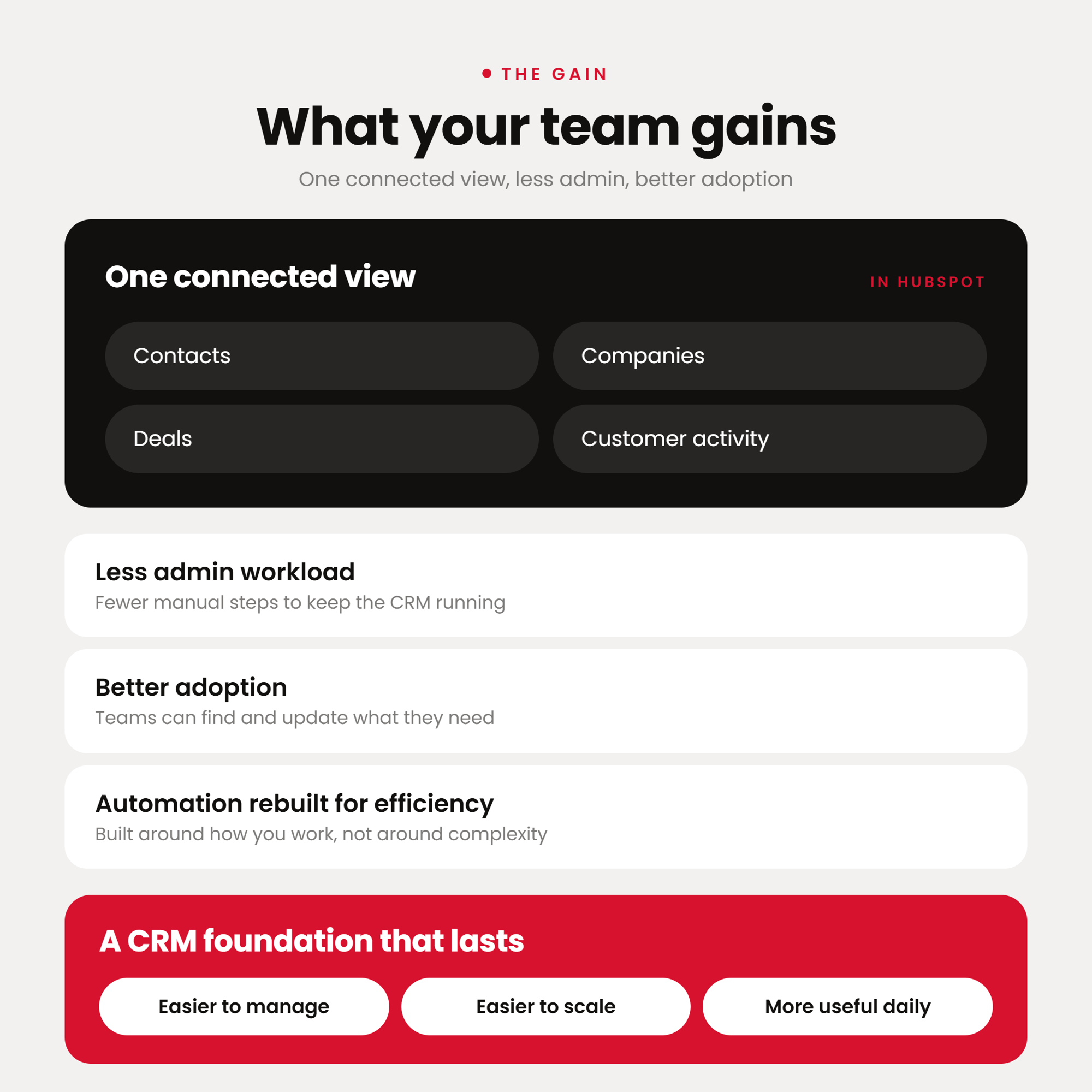
What your team gains
HubSpot gives your teams one connected view of contacts, companies, deals and customer activity. It reduces admin workload, improves adoption, and lets you rebuild automation around efficiency instead of complexity.
The result is a CRM foundation that is easier to manage, easier to scale, and more useful for everyday sales and marketing work.
When do you need a Salesforce to HubSpot migration?
A Salesforce to HubSpot migration is useful when CRM adoption is low, reporting feels complicated, simple changes take too long, or your sales and marketing teams need a cleaner system they can use confidently every day. It is also the right move when Salesforce licence and admin costs no longer match the value you get from it.
Ready to move off Salesforce?
Move your Salesforce data, processes and reporting into a cleaner HubSpot setup, with zero data loss.
Got questions
Others frequently ask…-
No. A structured migration preserves your records, activity history and the relationships between Accounts, Contacts and Opportunities, so nothing is lost in the move.
-
Most Salesforce to HubSpot migration projects take 6 to 14 weeks. The timeline depends on your data volume, the number of custom objects, and how many workflows and integrations need to be rebuilt or reconnected.
-
We map your custom objects into HubSpot, rebuild your workflows, and recreate your validation rules.
-
Yes. Accounts become companies, Contacts and Leads become contacts, and Opportunities become deals, with activity history and associations preserved.
-
Yes. A phased migration keeps both systems available while data is moved and validated, so your team keeps working with no gap in coverage and no data loss.