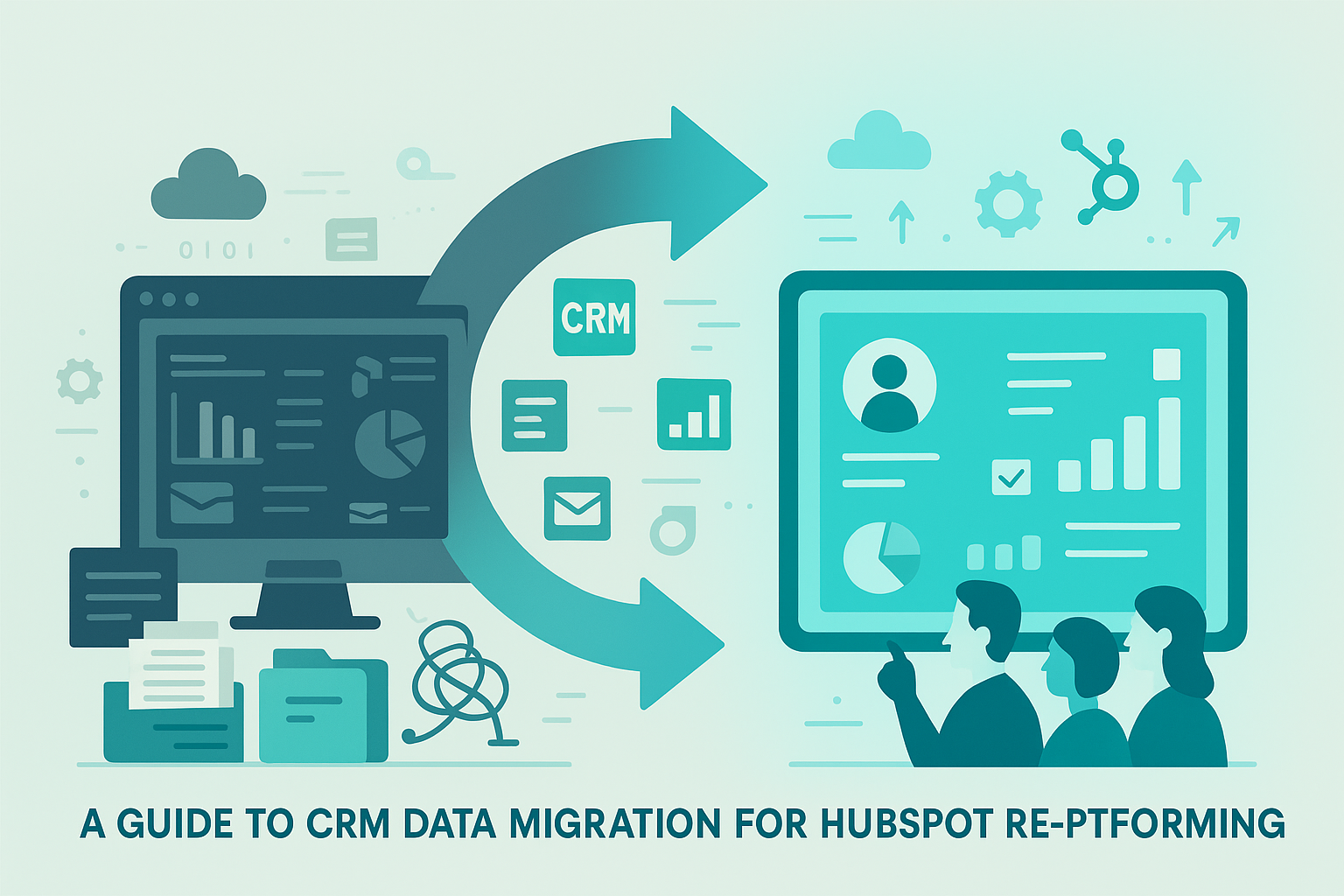
Pipedrive to HubSpot Insights
Contact data inside a CRM is designed for everyday use, not for repeated export, migration, or external analysis. Over time, fields are added, custom properties accumulate, and structure forms gradually based on how the system is used rather than how the data might later need to move.
As long as the data stays inside one system, this rarely causes problems. But when organisations need to analyse their data, audit it, or migrate from one CRM to another—such as from Pipedrive to HubSpot—these hidden issues quickly surface. What initially looks like a simple export often turns into a time-consuming exercise in interpretation.
That is why we treat contact extraction as a system problem, not a one-off task.
1. Contact data looks organised, until you try to move it
Inside a CRM like Pipedrive, contact records usually appear neat and easy to understand. Fields are labelled, values are filled in, and daily usage feels stable.
That sense of order depends heavily on the system interface. Once the data is taken out of that context, the structure becomes less clear. Fields created years apart sit side by side with no shared logic. Custom properties mix with standard fields under inconsistent naming. Some contacts contain multiple emails or phone numbers stored in different ways.
The issue is rarely incorrect data. The real problem is that the data was never designed to travel.
2. Exporting contacts is not a simple action
Contact exports are often treated as routine tasks. A button is clicked, a file is downloaded, and the job appears done. In a migration scenario, each export quietly makes assumptions that later become risks.
Is the export complete, or limited by pagination? Are field names still meaningful when mapped into HubSpot? Do multi-value fields keep their original meaning once flattened into a spreadsheet?
When these questions are not addressed, teams end up with multiple versions of “the same” contact file and no confidence in which one is correct. Repeating exports does not reduce uncertainty—it increases it.
3. Migration reveals problems hidden in daily use
CRM systems are built for daily interaction, not for full inspection. This distinction is easy to ignore until a migration begins.
When contacts are prepared for a move from Pipedrive into HubSpot, teams often discover fields they cannot clearly explain, historical custom properties with no context, and records that behave differently once removed from their original environment.
These problems did not suddenly appear. Migration simply makes them visible.
4. How we use a workflow to prepare contact data properly
To address this, we built a dedicated workflow to handle contact data before it is moved or reused.
This workflow does not simply export everything as-is. Instead, it focuses on extracting and organising the information that is actually needed, based on the migration or analysis context.
All contacts are retrieved directly from the source system to ensure the dataset is complete. Each contact is then organised into a clear, self-contained record. Core details such as identity, contact information, and ownership are extracted explicitly. Fields such as email addresses and phone numbers are normalised into consistent, easy-to-read formats.
Custom fields are not predefined. The workflow detects them dynamically based on what actually exists in the data. This ensures that older or less common fields are not accidentally ignored.
Because the workflow supports on-demand adjustments, different data views can be prepared for different stages of a HubSpot migration without redesigning the entire process.
5. Preparing data for HubSpot before importing it
Only after all contacts are processed does the final structure take shape. Field headers are generated from the actual data rather than from assumptions, reducing the risk of missing information.
The resulting dataset acts as a neutral preparation layer. It can be reviewed, validated, and mapped into HubSpot with confidence. Stable identifiers ensure that re-running the workflow updates existing records instead of creating duplicates, making controlled migration and verification possible.
6. A workflow that remains reliable as data changes
CRM data is never static. Fields continue to evolve even during a migration. Traditional exports struggle in this environment because they assume stability.
This workflow avoids that assumption. Structure is rebuilt each time it runs, allowing changes in Pipedrive to appear naturally in the output without manual updates to the process.
7. When contact data stops being a migration obstacle
Once contact data can be reproduced reliably, migration becomes far more predictable. Teams no longer debate which export is current or worry about missing or duplicated records.
At that point, the workflow itself fades into the background. Its value lies in removing repeated decisions, manual checks, and uncertainty. Contact data becomes infrastructure—stable, repeatable, and no longer a bottleneck when moving between CRM systems.