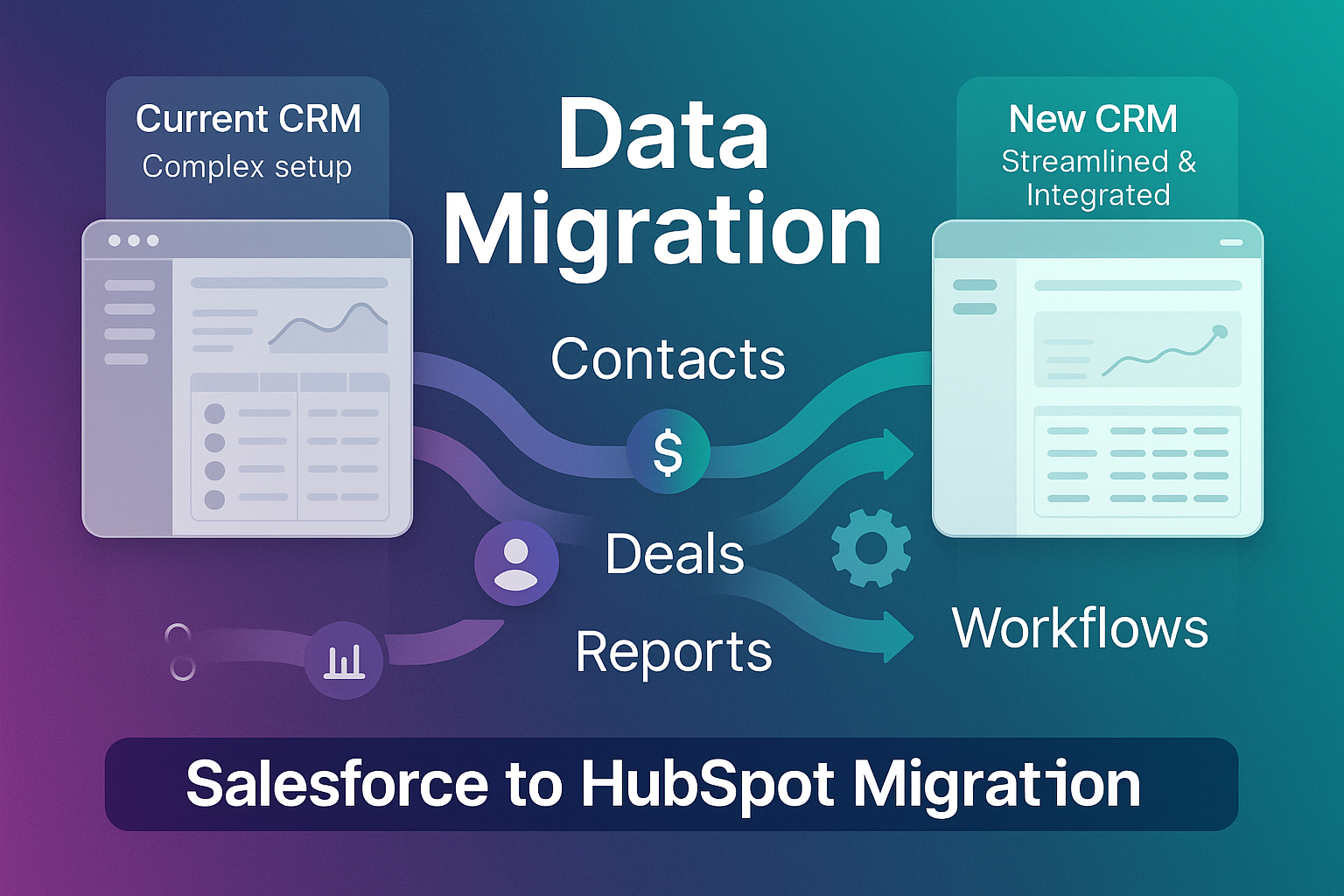
How to Migrate from Zendesk to HubSpot Service Hub: A Complete Guide
If your support team runs on Zendesk but the rest of your business runs on HubSpot, you are paying for a gap. Tickets live in one system, deals and marketing live in another, and no one has the full picture of a customer. Migrating to HubSpot Service Hub closes that gap. This guide walks through the full move, from planning to go-live, so you switch without losing tickets, history or a single customer conversation.
We help businesses migrate support operations from Zendesk to HubSpot Service Hub. If you want a hand planning or running the move, explore our Zendesk to HubSpot migration services.
In short: Migrating from Zendesk to HubSpot Service Hub means moving your contacts, companies, tickets, conversation history and knowledge base into HubSpot, then rebuilding your pipelines, routing and SLAs on top. Run in phases with one Zendesk licence kept as fallback, a typical migration takes 3 to 6 weeks with no support downtime.
A structured approach can improve customer retention, service efficiency, and operational alignment across marketing, sales, and service teams.
Why Move from Zendesk to HubSpot Service Hub?
Zendesk is a strong support platform, but HubSpot Service Hub offers a fully integrated front-office system that connects customer service with marketing and sales. Here’s why teams make the switch:
-
Unified data & collaboration: HubSpot unifies marketing, sales, and service data in one place, making handoffs and context-sharing easier.
-
Customer success tools: Features such as Customer Success Workspaces, health scoring (where available), playbooks, and scheduling support proactive service.
-
Advanced reporting & feedback: Built-in CSAT, NPS, and CES options help you measure and improve customer satisfaction.
-
Customisable help desk: HubSpot’s help desk centralises tickets and interactions while enabling routing and automation.
-
Lower total cost of ownership: HubSpot can reduce reliance on third-party integrations, lowering maintenance and long-term costs.
Example in action: A growing eCommerce company moved to HubSpot Service Hub and reduced incoming support tickets by 20% while improving cross-team collaboration. By connecting feedback surveys to marketing workflows, they identified upsell opportunities and increased average order value.
| Zendesk | HubSpot Service Hub | |
|---|---|---|
| Data model | Standalone support tool; needs integrations to connect to sales and marketing | Support, sales and marketing on one shared database |
| AI support | Add-on AI, billed separately | Breeze Customer Agent and Copilot built in, outcome-based pricing |
| Reporting | Strong support metrics, limited cross-team view | Ties ticket volume to deal value and lifecycle stage out of the box |
| Self-service | Mature help centre | Knowledge base plus customer portal, both feeding AI answers |
| Best for | Support-led teams wanting a specialist desk | Teams wanting one connected front office |
The 5-Step Migration Process
Here’s a practical five-step process to migrate from Zendesk to HubSpot Service Hub.
1. Pre-Migration Planning
Before migrating, build a clear roadmap.
-
Create a migration timeline: Avoid peak periods. Consider maintaining one Zendesk license post-migration for fallback access.
-
Plan integrations: HubSpot’s App Marketplace includes native options for tools like Jira, Pendo, and Segment.
-
Audit & clean your data: Remove outdated or redundant data to avoid clutter in HubSpot.
-
Define key metrics & SLAs: Set SLAs for response and resolution times and align reporting to these targets.
Example: A SaaS company mapped their full support workflow before migrating, enabling automations in HubSpot that reduced response times by 30%.
2. Configuration, Testing & Data Migration
Next, configure HubSpot and migrate historical data.
-
Set up ticket pipelines & statuses: Align pipelines to your existing Zendesk workflow (or improve them as needed).
-
Import data carefully: Migrate contacts, companies, tickets, and historical activity (emails, tasks, and calls) using HubSpot’s API or migration tools such as SyncMatters or Import2.
-
Test the system: Run a sample migration (for example, ~10% of data) before executing the full migration.
3. Service Desk Optimisation
Migrating is also a chance to improve workflows.
-
Define intake channels: Set up shared inboxes, chat, forms, and (if relevant) WhatsApp within HubSpot.
-
Automate ticket routing: Use rules so the right team handles each request. For higher-volume desks, you can layer AI ticket triage in HubSpot Service Hub on top, so every ticket arrives pre-prioritised, categorised and summarised before an agent opens it.
-
Configure SLAs: Use due soon/overdue triggers based on ticket priority and type.
Example: A logistics company used automation to categorise incoming tickets by priority, reducing escalations by 25%.
4. Self-Service & Customer Feedback Implementation
Self-service can reduce ticket volume and improve satisfaction.
-
Build a customer portal: Let customers view open tickets, track updates, and access resolutions.
-
Migrate & optimise the knowledge base: Restructure content for searchability and usability.
-
Set up feedback loops: Use CSAT surveys to capture feedback and monitor improvements.
5. Go-Live & Post-Migration Monitoring
-
Assign roles & train teams: Run training sessions and provide follow-up support.
-
Run a pilot phase: Start with a small group of reps to gather feedback before rolling out to all.
-
Monitor & optimise: Track KPIs and continuously refine workflows.
Example: A fintech firm ran a two-week pilot, identifying gaps early and preventing issues post-launch.
Why Choose Our HubSpot Migration Services?
As a certified HubSpot solutions partner, our Service Hub migration services support a seamless Zendesk to HubSpot migration with:
-
Bespoke migration strategies: Plans tailored to your workflows and reporting needs.
-
Minimal disruptions: A structured approach designed to reduce downtime risk.
-
End-to-end support: From planning to post-migration optimisation.
-
Ongoing optimisation: Fine-tuning workflows, SLAs, and automation to maximise HubSpot.
Migrating to HubSpot Service Hub isn’t just switching platforms—it’s improving the customer experience and connecting service data to the rest of the customer journey.
Get Started with Your Migration
Ready to switch from Zendesk to HubSpot Service Hub? Schedule a free consultation with our HubSpot experts and we’ll build a migration plan tailored to your needs.